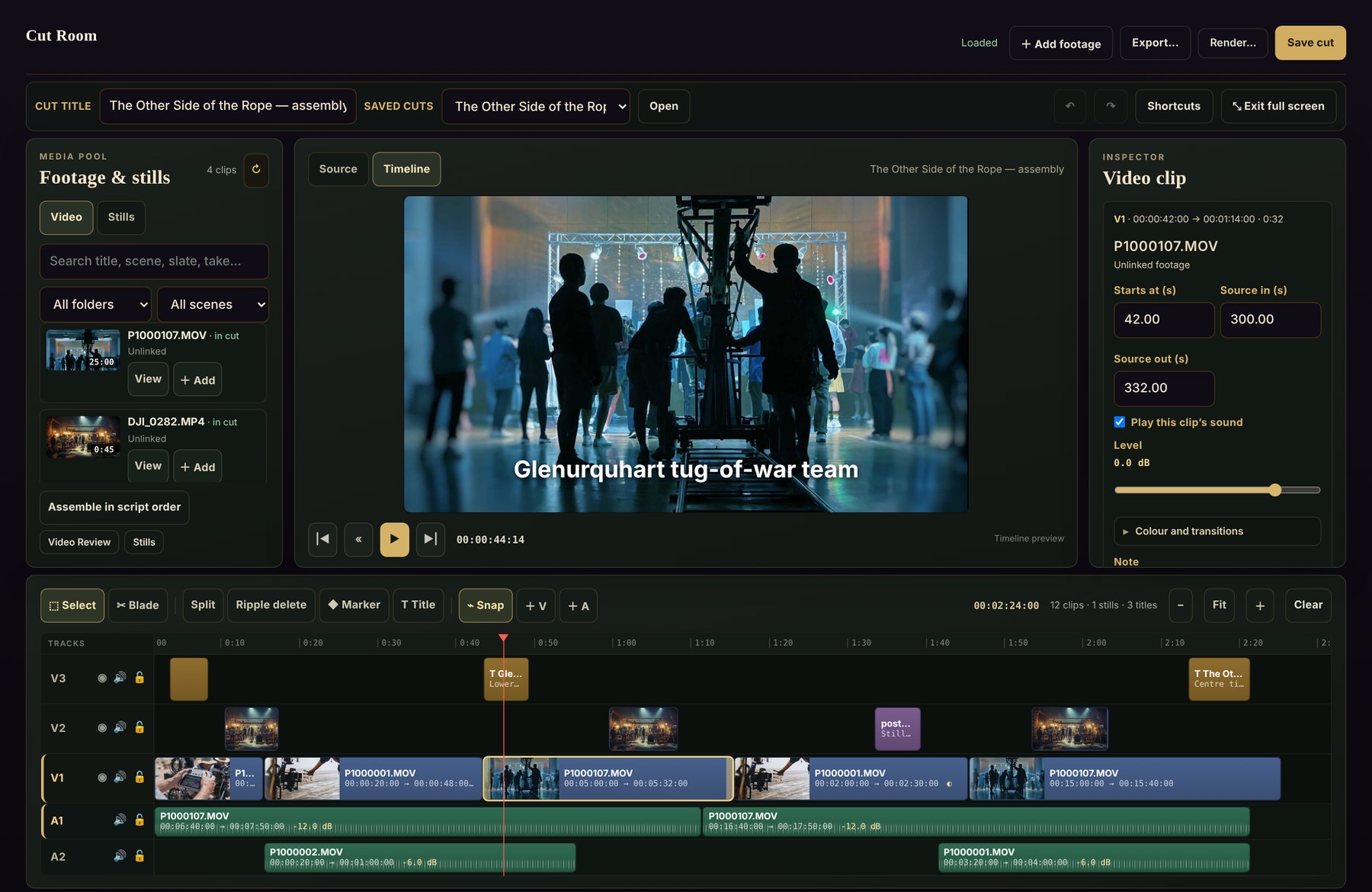
The Cut Room is where a production’s footage becomes a cut. Bring footage in with Wajang Proxy Studio, which keeps every clip’s card, file name and timecode, then drag clips and stills from the media pool onto up to 24 video and 24 audio tracks. Mark In and Out in the source viewer, insert or overwrite, trim edges, split with the blade, ripple-delete, set levels, detach sound for J and L cuts, add titles and markers, and see review notes from Video Review on the clips they belong to. Assemble in script order builds a first assembly from the takes linked to each scene. When you are ready to finish, export the timeline to Final Cut Pro, DaVinci Resolve or Premiere Pro, linked to your camera originals or to downloadable proxies, or finish in Wajang for Windows, which adds colour grading, transitions and full-quality renders from your camera originals.
24 video and 24 audio tracks, drag and drop
Review notes and script scenes on the timeline
Exports to Final Cut Pro, Resolve and Premiere Pro, or render in Wajang for Windows