Complete production workspace
Everything your team needs. One platform.
Explore the tools currently present in Wajang, from script development and call sheets to finance, locations and delivery.

Explore the tools currently present in Wajang, from script development and call sheets to finance, locations and delivery.
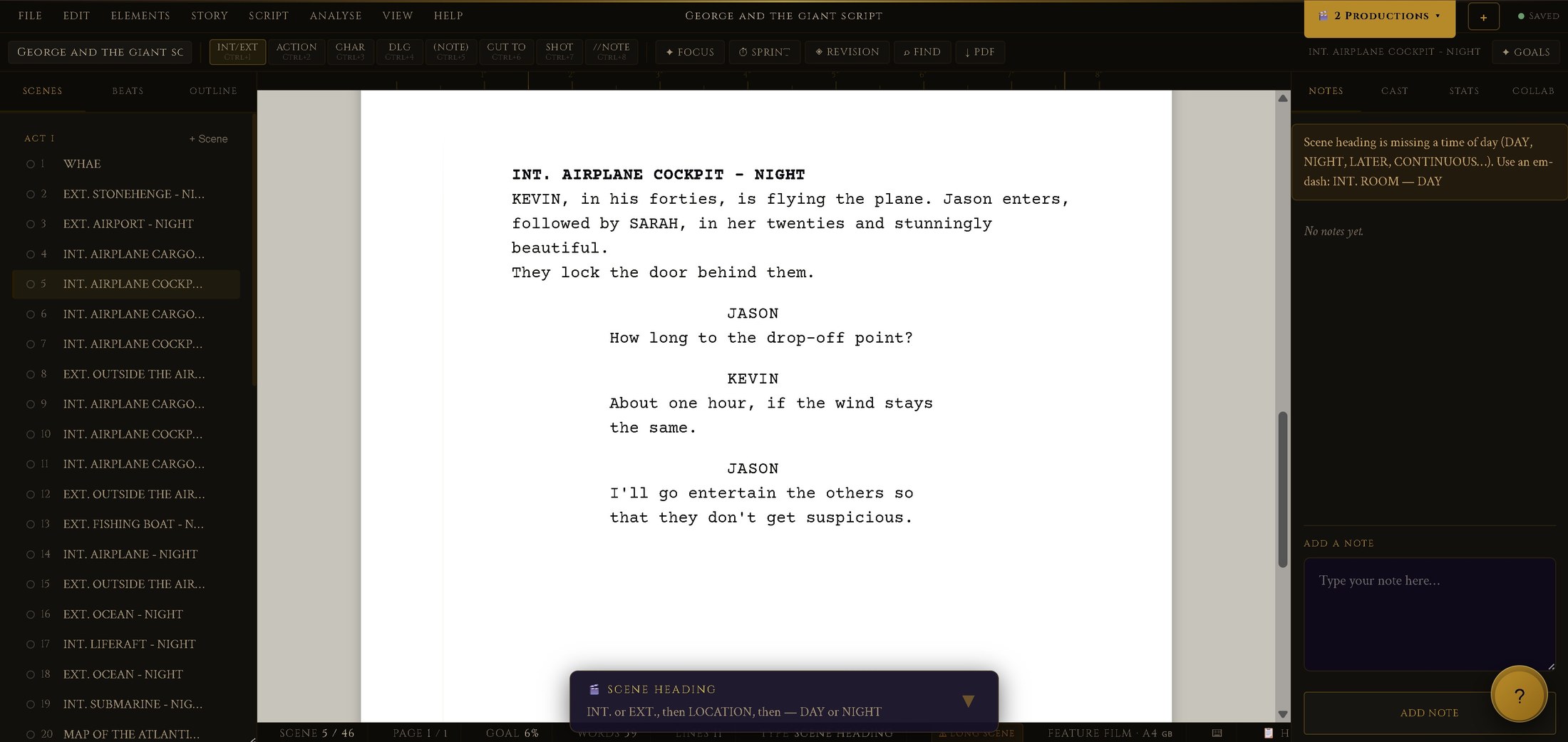
Write, format, revise and break down scripts.
Apprentice core · View details →Turn a locked script into a structured, scheduling-ready breakdown.
Apprentice core · View details →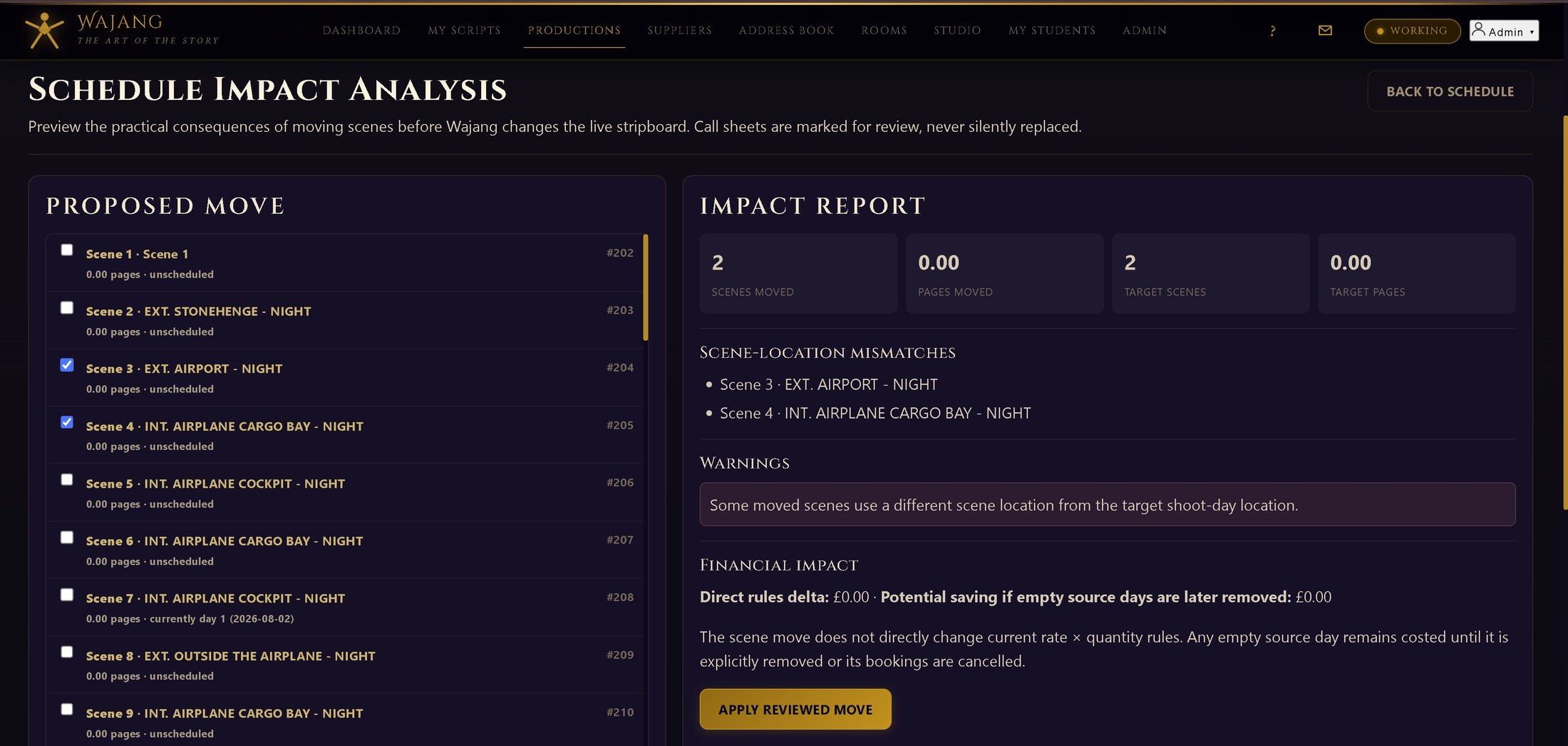
Keep production scenes and cast in step with the script as it changes.
Apprentice core · View details →
Plan story structure visually before or alongside the script.
Apprentice core · View details →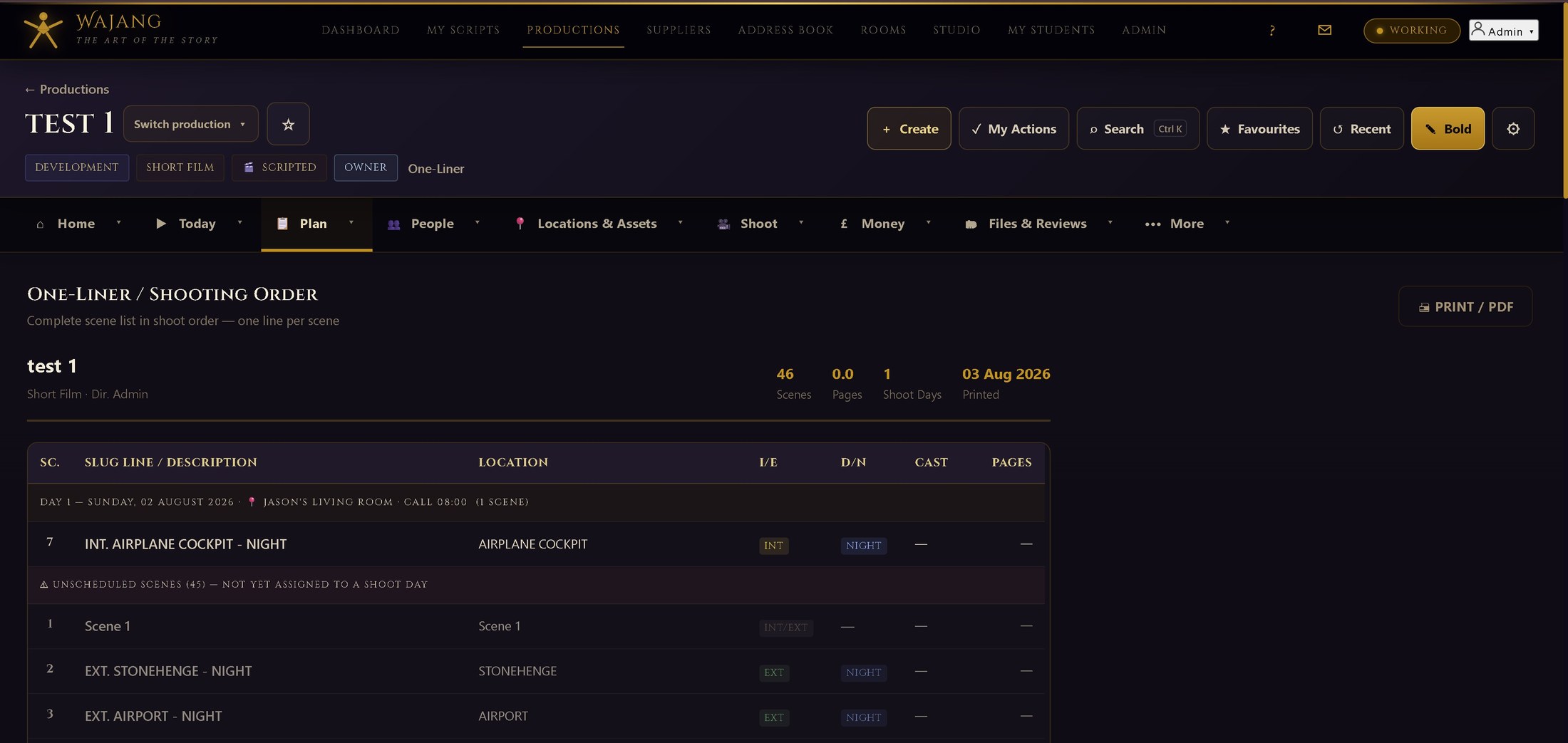
A condensed day-by-day shooting schedule for quick reference.
Apprentice core · View details →
Plan shoot days, create call sheets and track distribution.
Apprentice core · View details →See who has received, opened and acknowledged each call sheet.
Paid plans · View details →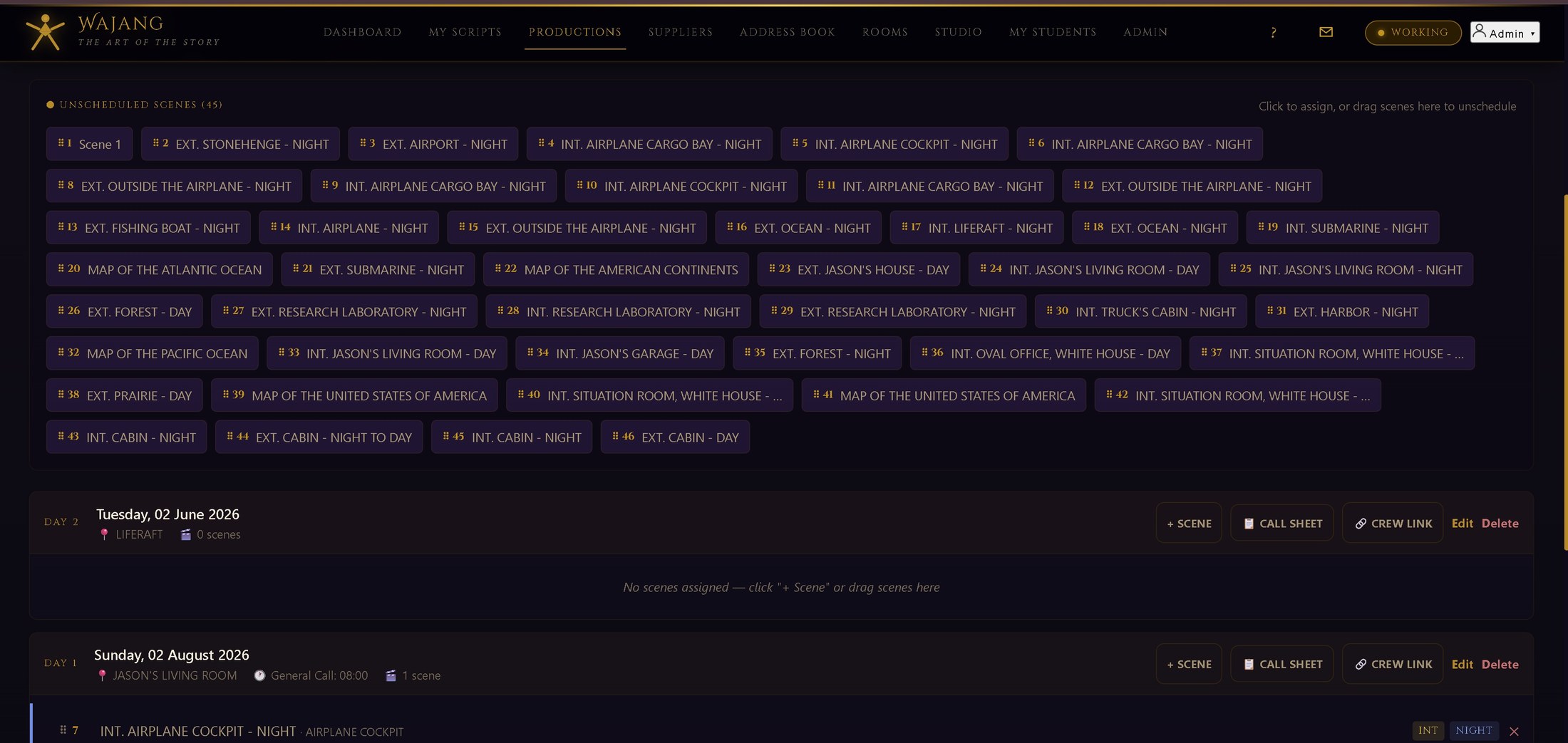
Drag-and-drop shoot-day scheduling with full scene strips.
Apprentice core · View details →Preview the consequences of moving scenes before the live stripboard changes.
Paid plans · View details →
A single view of everything happening on the current shoot day.
Apprentice core · View details →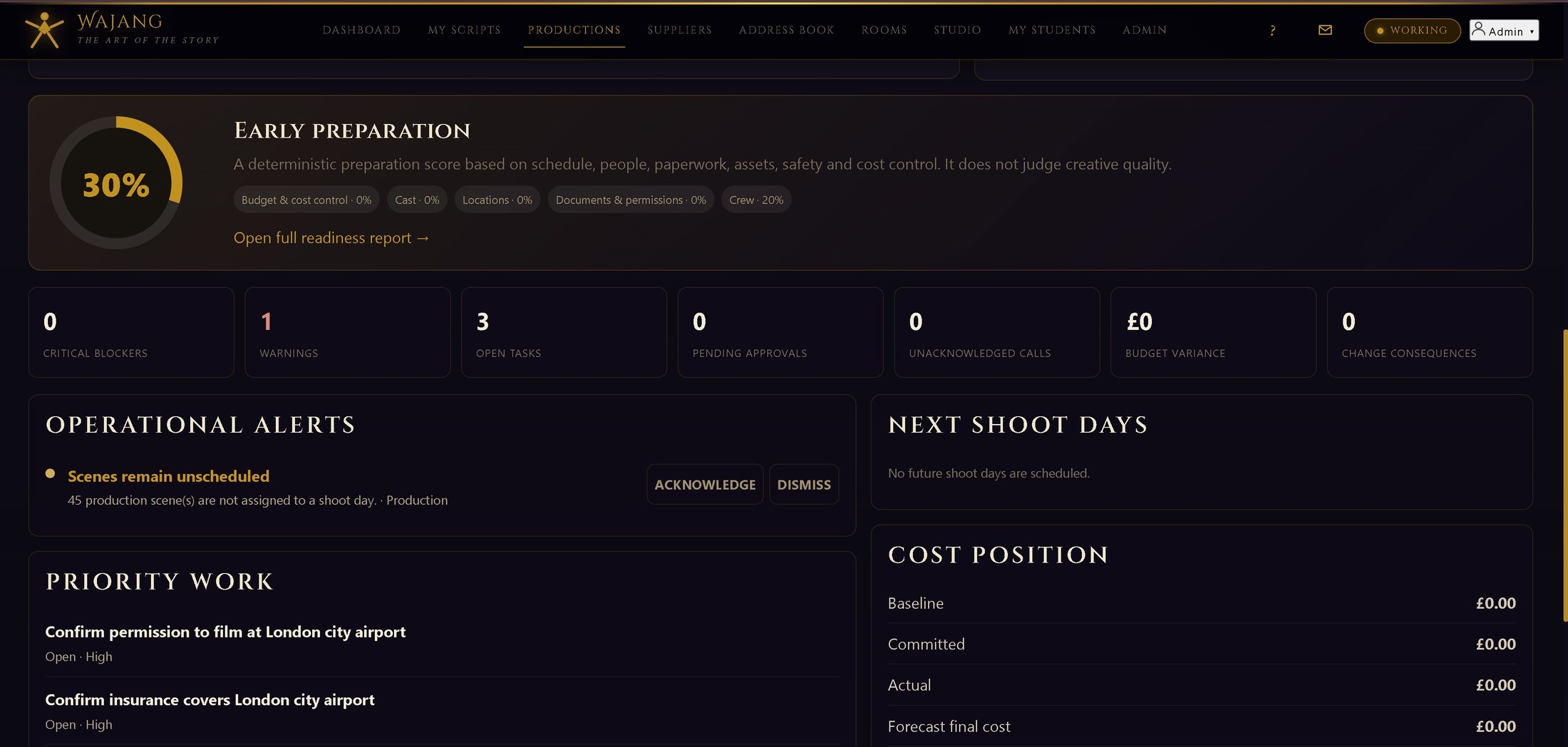
A production-wide overview for producers and department heads.
Apprentice core · View details →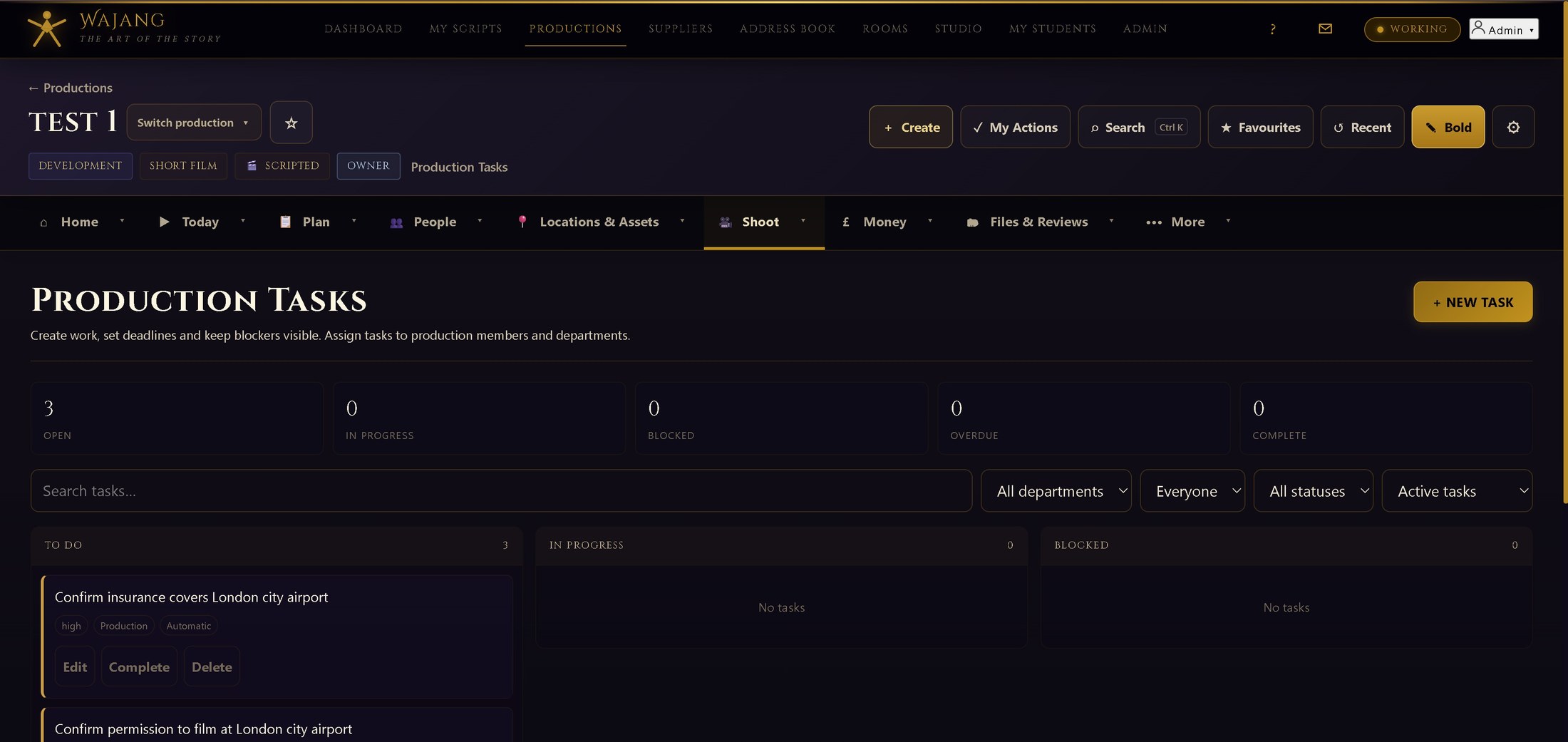
Connect scenes, people, locations, documents and production tasks.
Apprentice core · View details →A shared board of open tasks and items across the production.
Apprentice core · View details →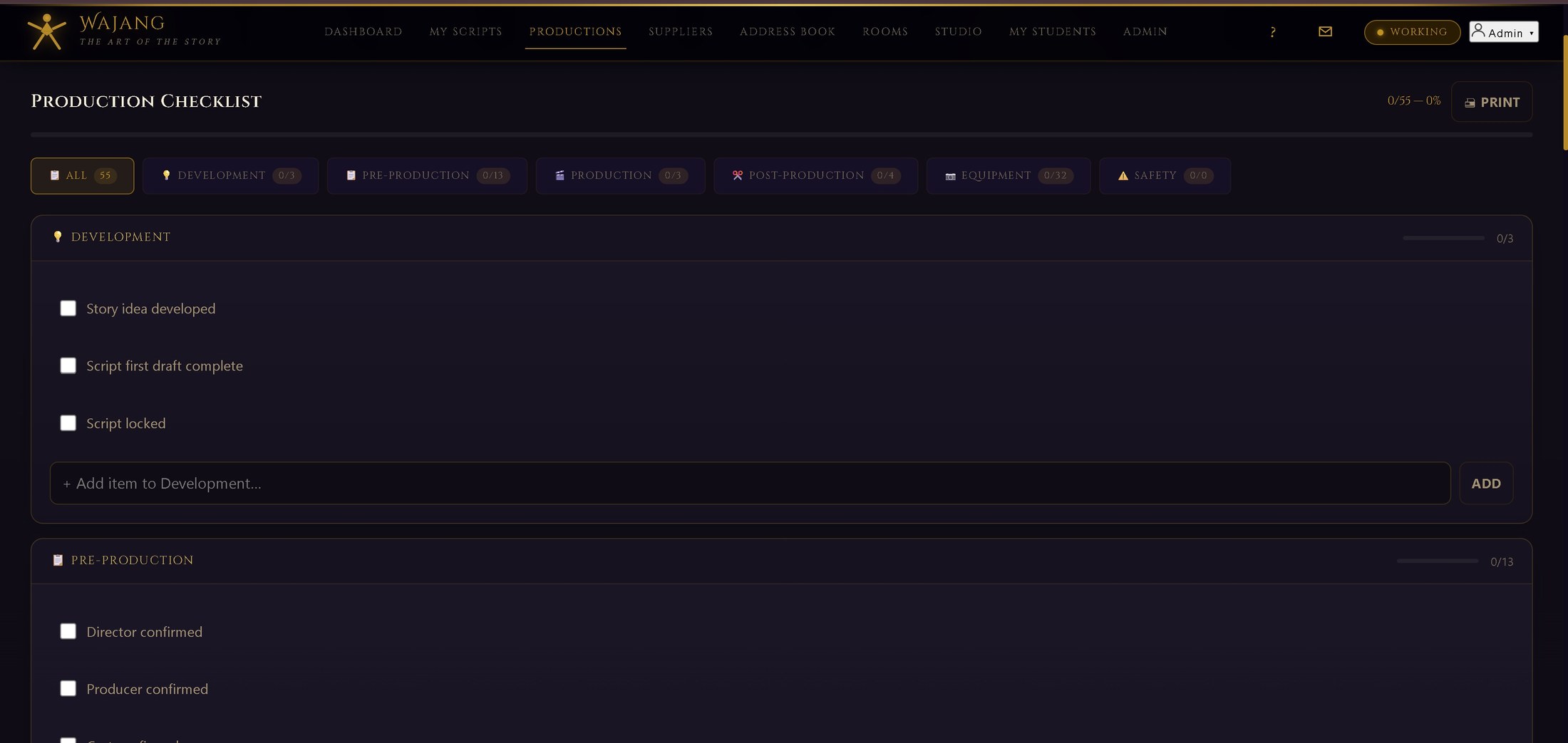
Track safety, compliance and pre-production checklists.
Apprentice core · View details →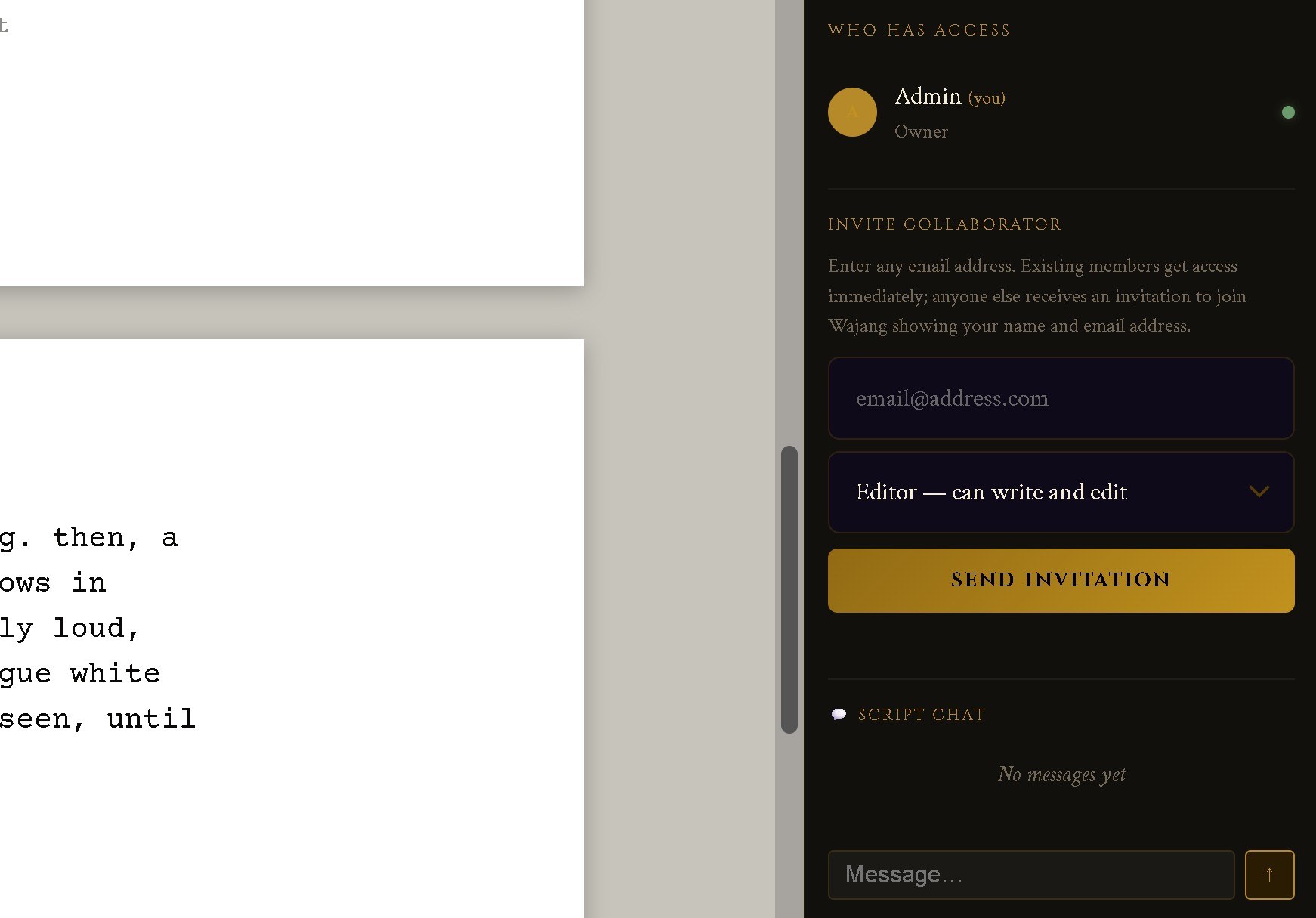
Invite others into a script with exactly the level of access they need.
Paid plans · View details →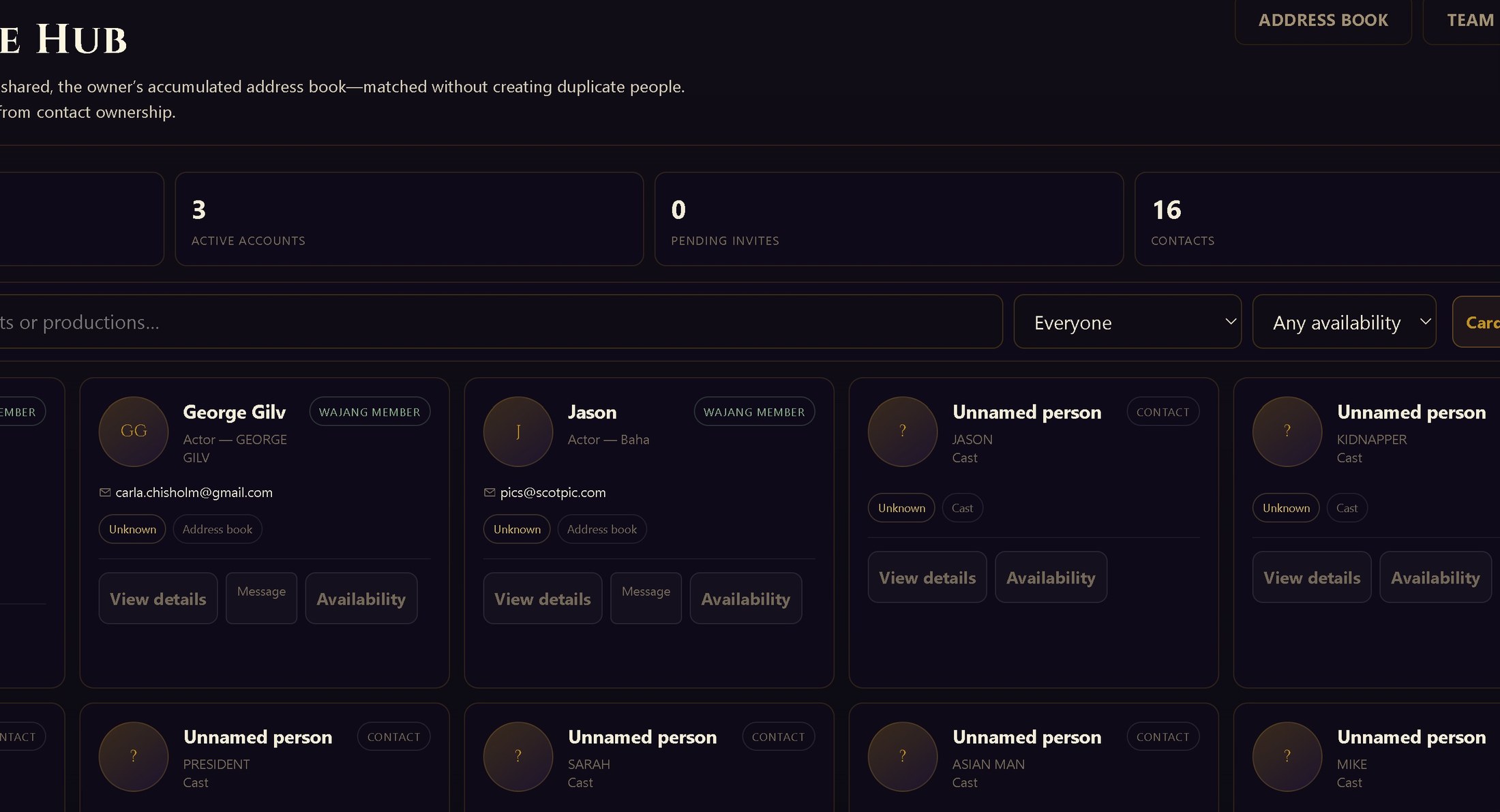
Direct and group messaging scoped to the production.
Apprentice core · View details →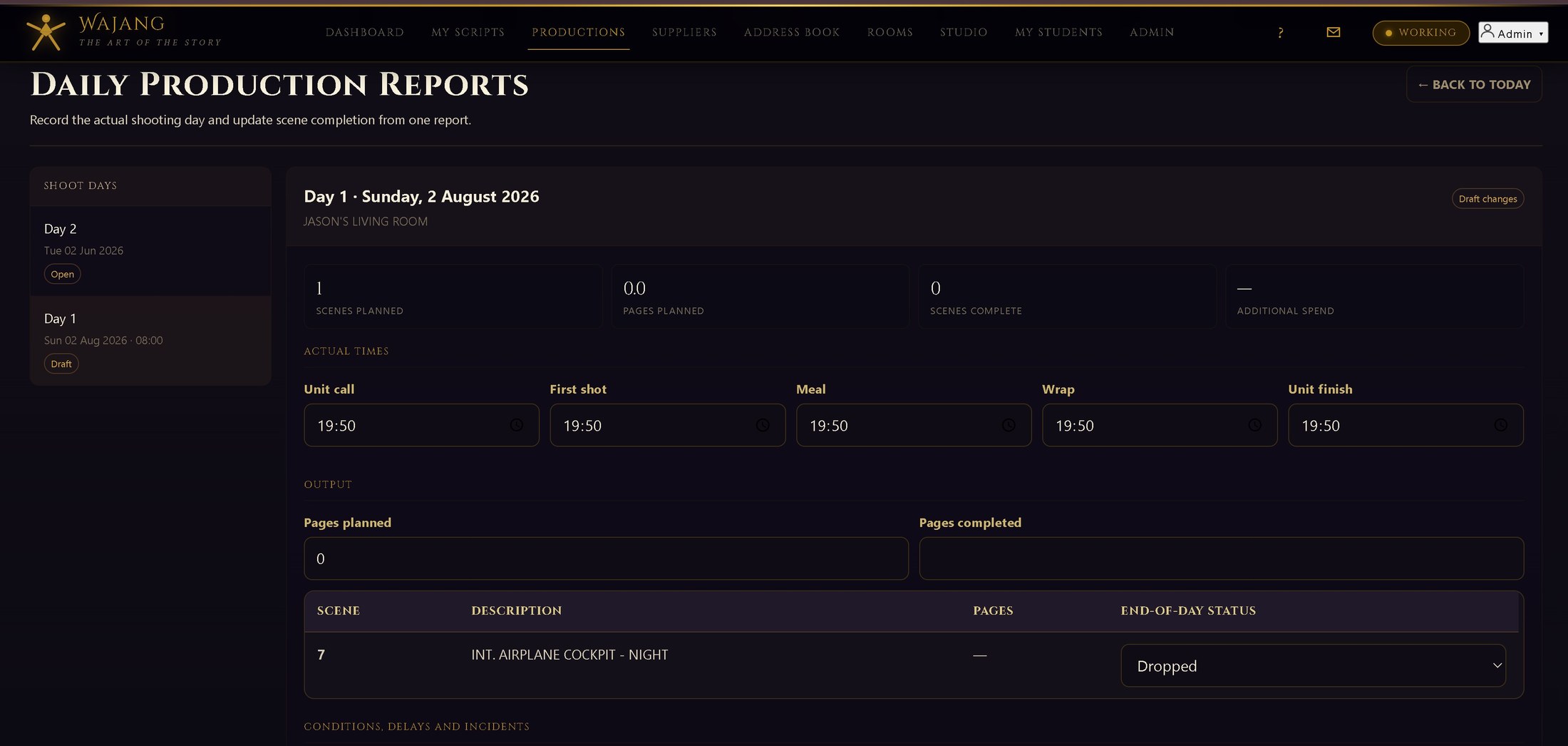
Generate the DPR from the day's actual schedule and attendance.
Apprentice core · View details →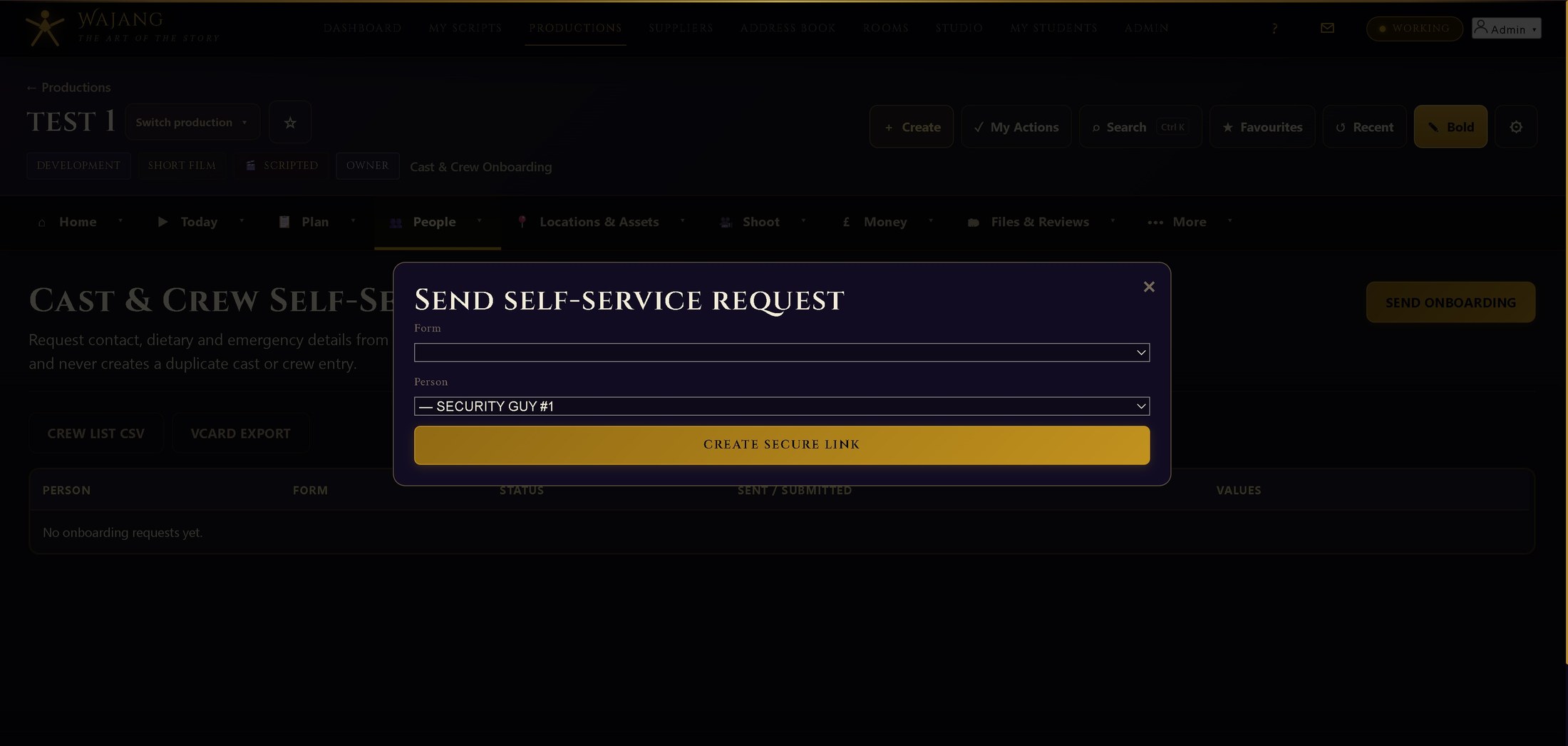
Invite teams, assign roles and collect production information.
Paid plans · View details →
A shared, permission-aware directory of contacts.
Apprentice core · View details →Track sign-in, sign-out and attendance by shoot day.
Apprentice core · View details →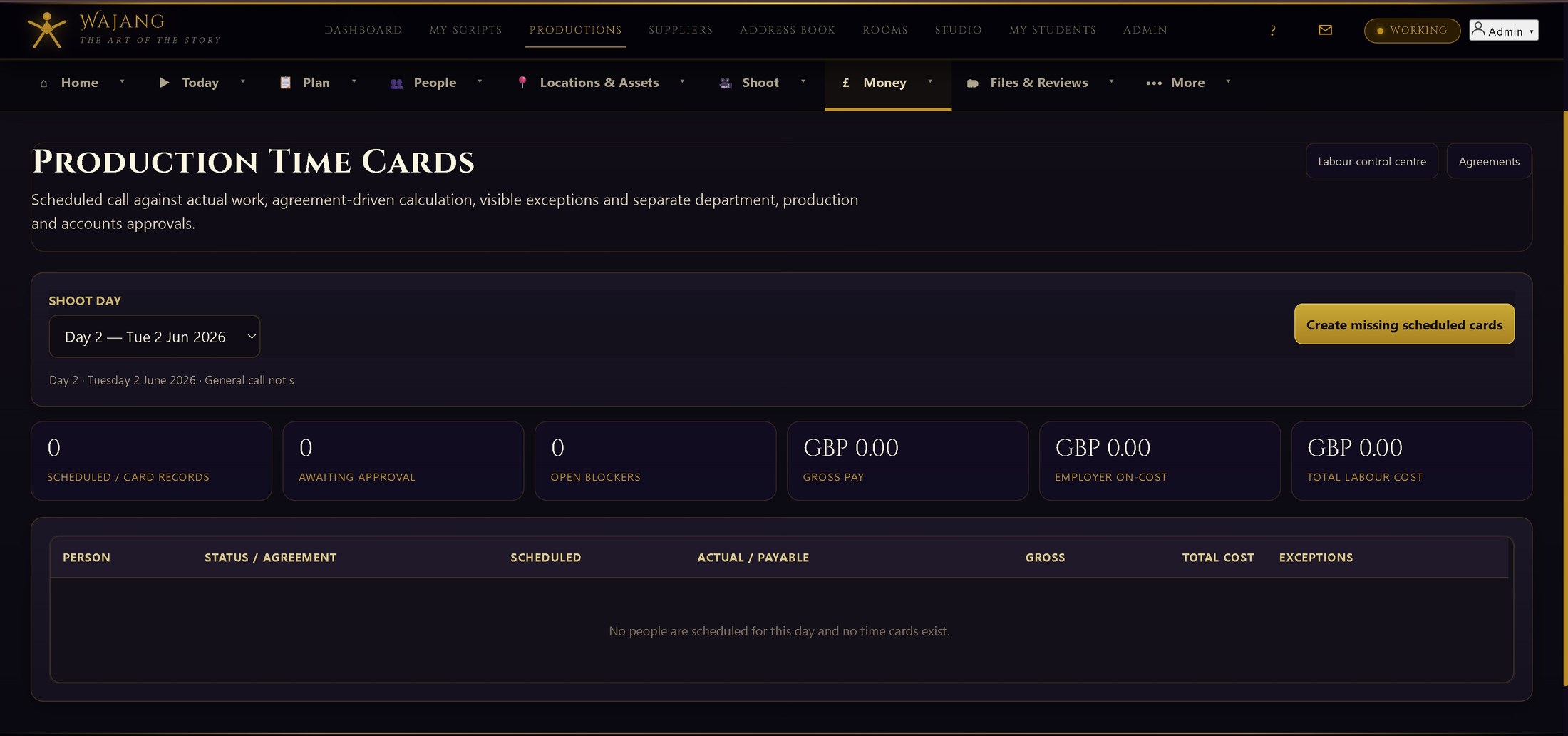
Calculate hours, overtime and rates with a full approval chain.
Paid plans · View details →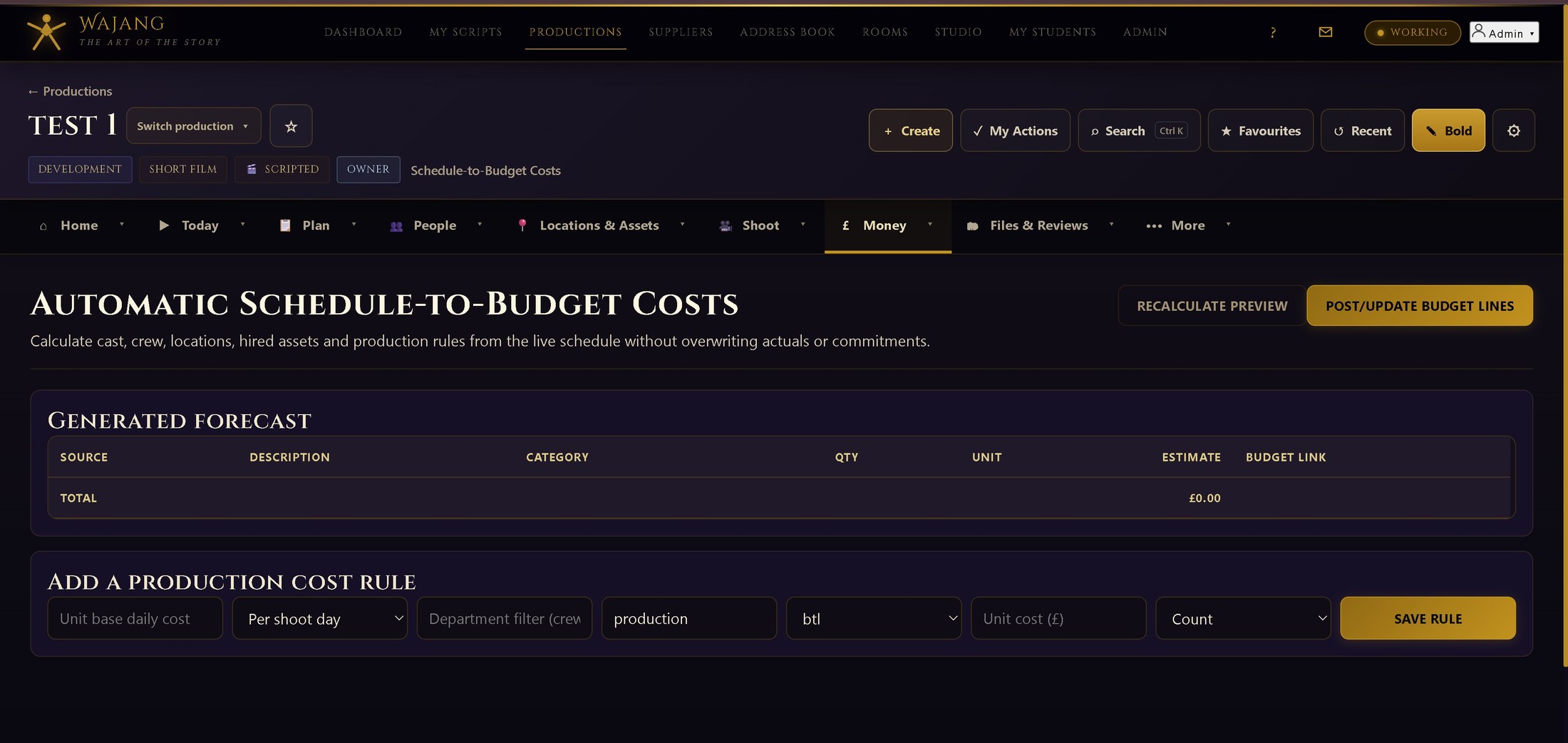
Build a practical production budget and track actual spend manually.
Apprentice core · View details →Control commitments, approvals, reconciliation and forecast-to-complete.
Paid plans · View details →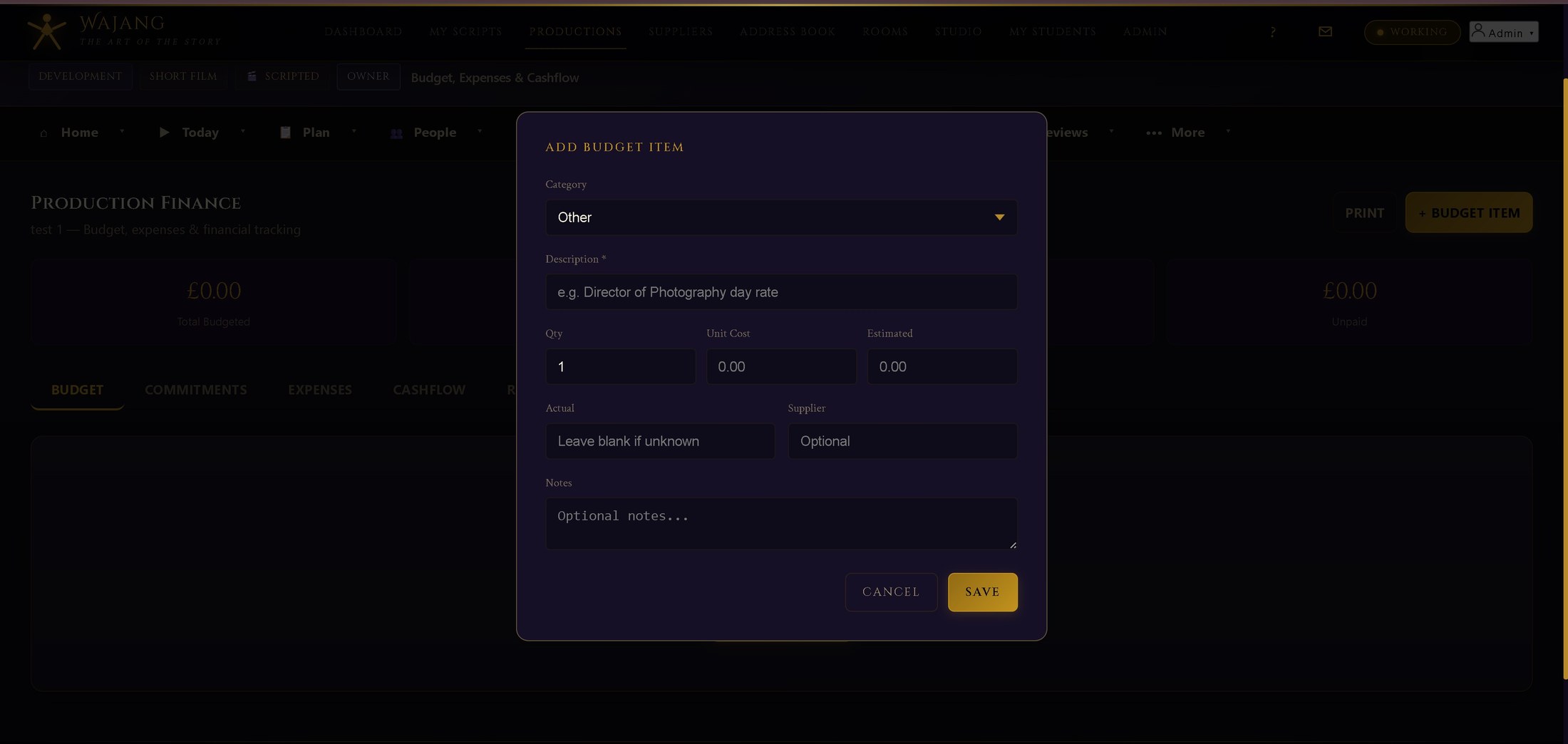
Capture claims and receipt evidence, then track when cash is required.
Apprentice core · View details →Turn photographed receipts and PDF invoices into controlled, reviewable expense drafts.
Paid plans · View details →
Manage supplier records, agreements and linked spend.
Apprentice core · View details →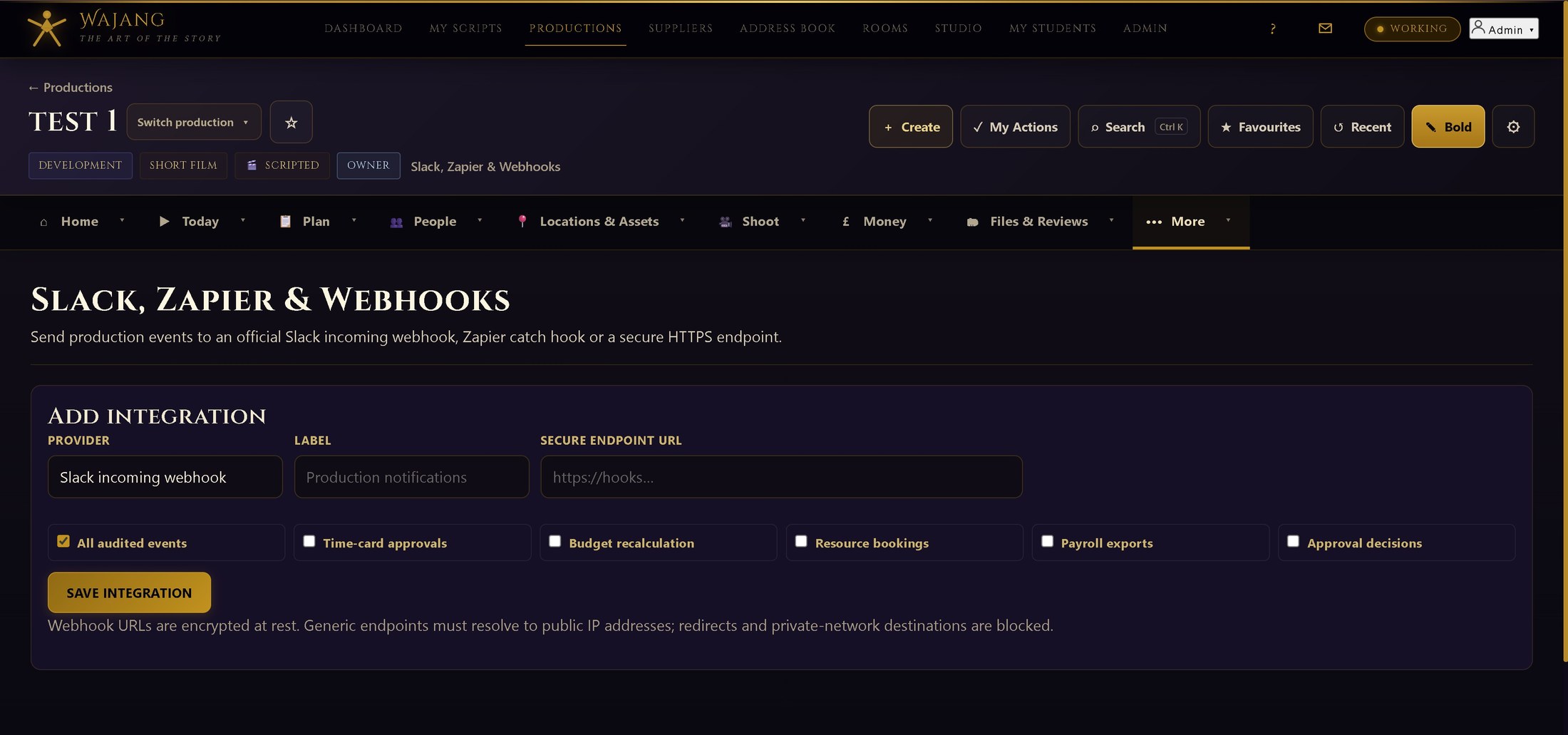
Send production events to Slack or Zapier, and exchange files with other scheduling software.
Paid plans · View details →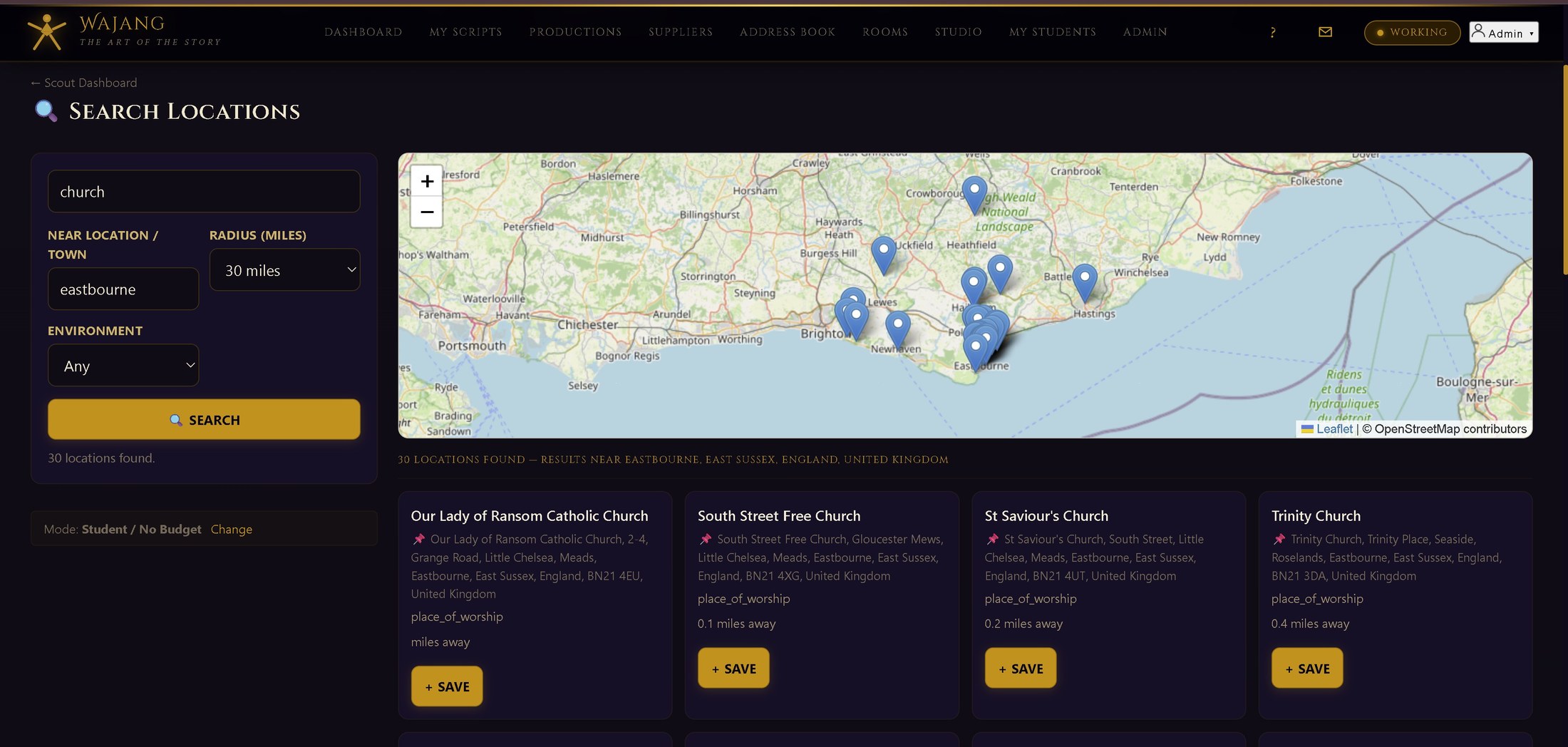
Research, record and manage locations, permissions and risks.
Apprentice core · View details →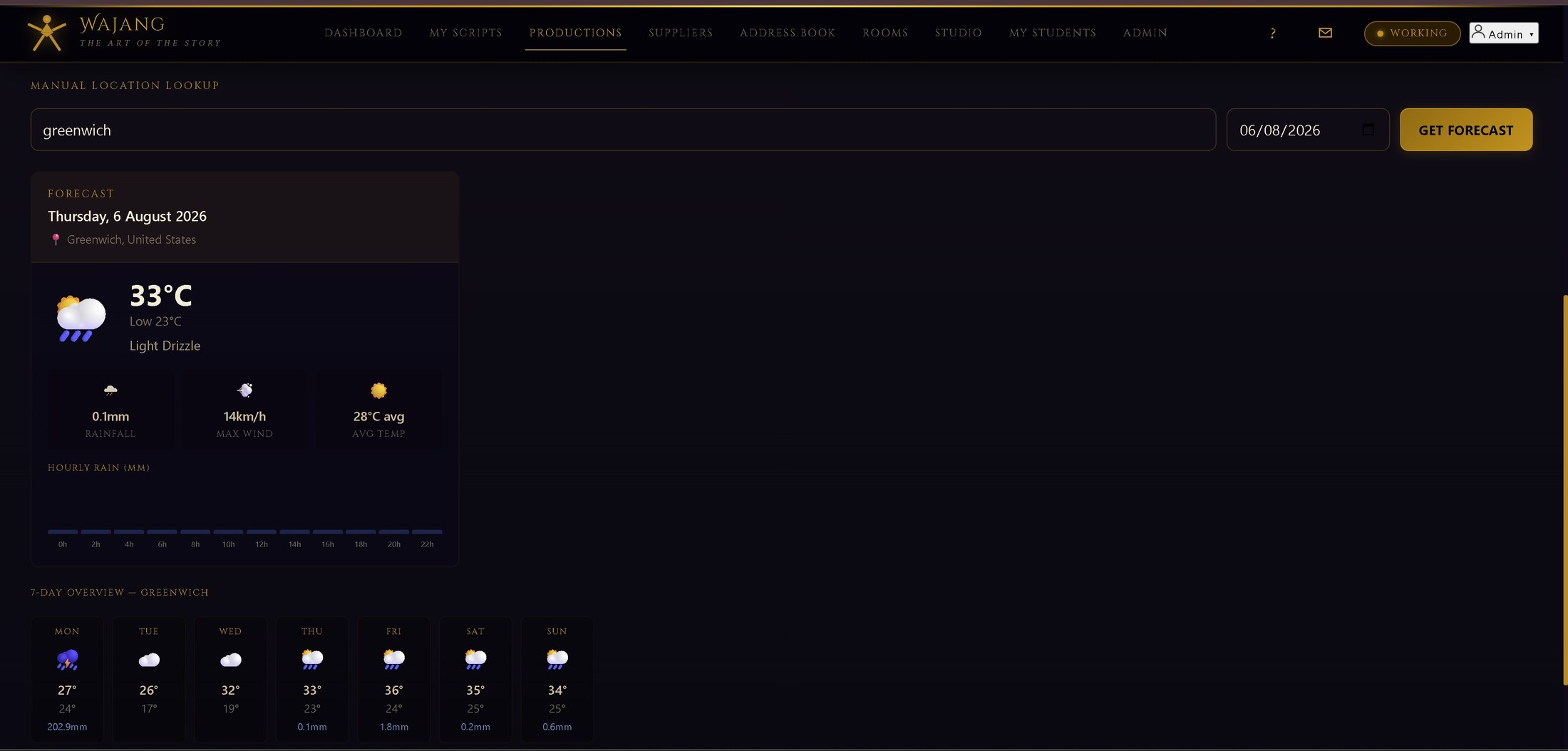
Live forecasts and light data tied to each shoot day and location.
Apprentice core · View details →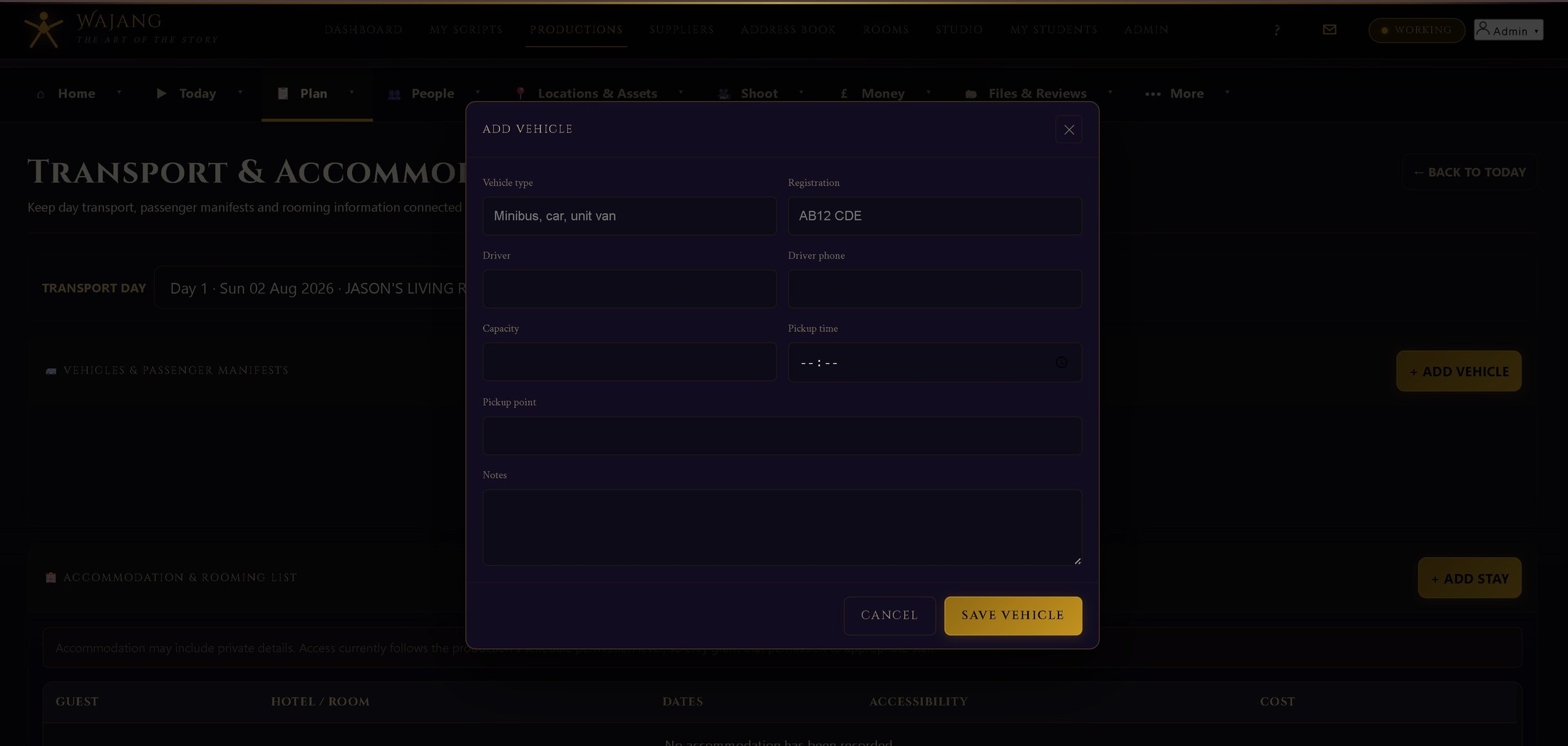
Coordinate transport, parking, unit base and equipment moves.
Apprentice core · View details →
Keep wardrobe, props and set dressing consistent between takes.
Apprentice core · View details →
Plan camera setups scene by scene, linked to the schedule.
Apprentice core · View details →
Carry essential production information into low-connectivity locations.
Paid plans · View details →
Store, distribute, sign and approve production documents.
Apprentice core · View details →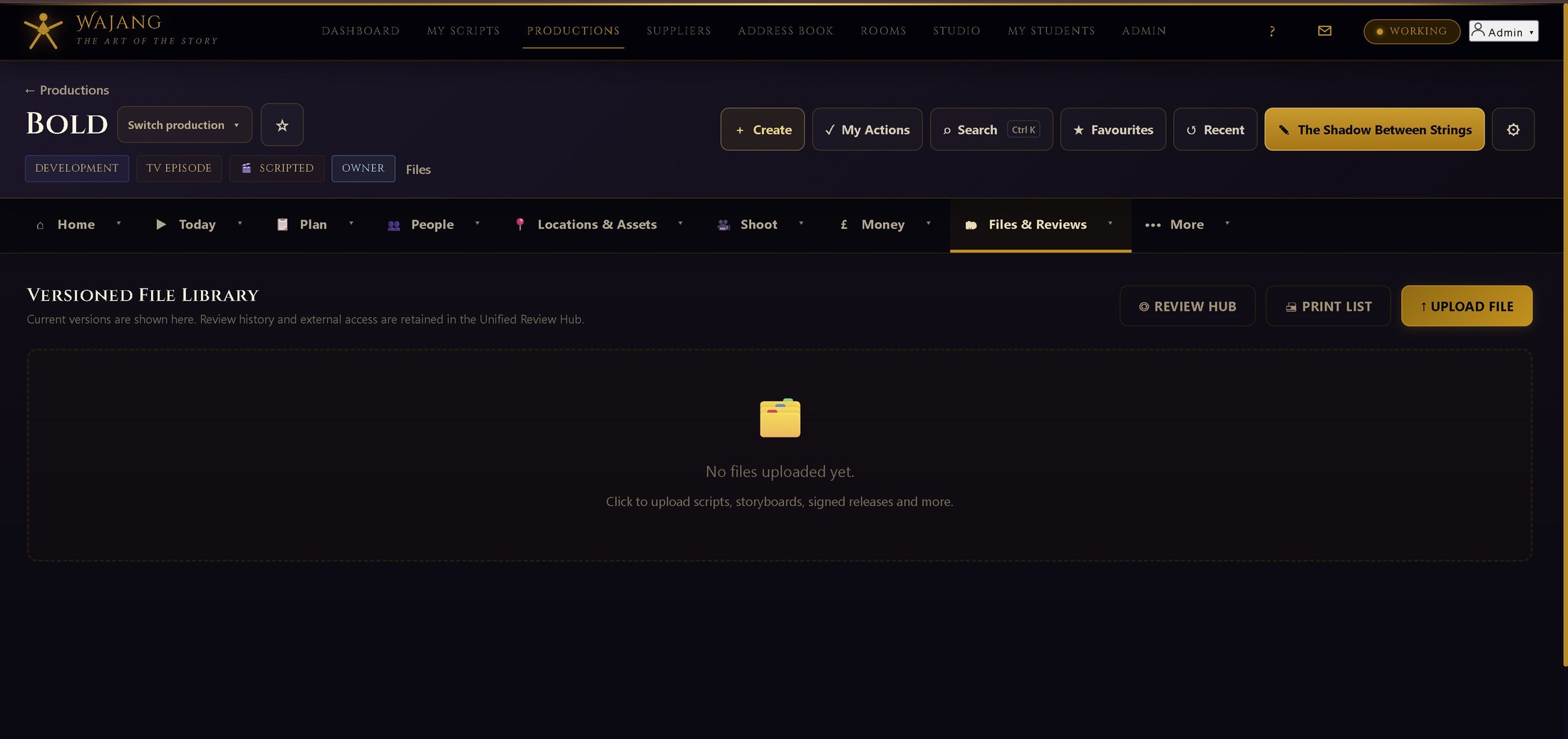
Share sensitive files with tracked, revocable, watermarked links.
Paid plans · View details →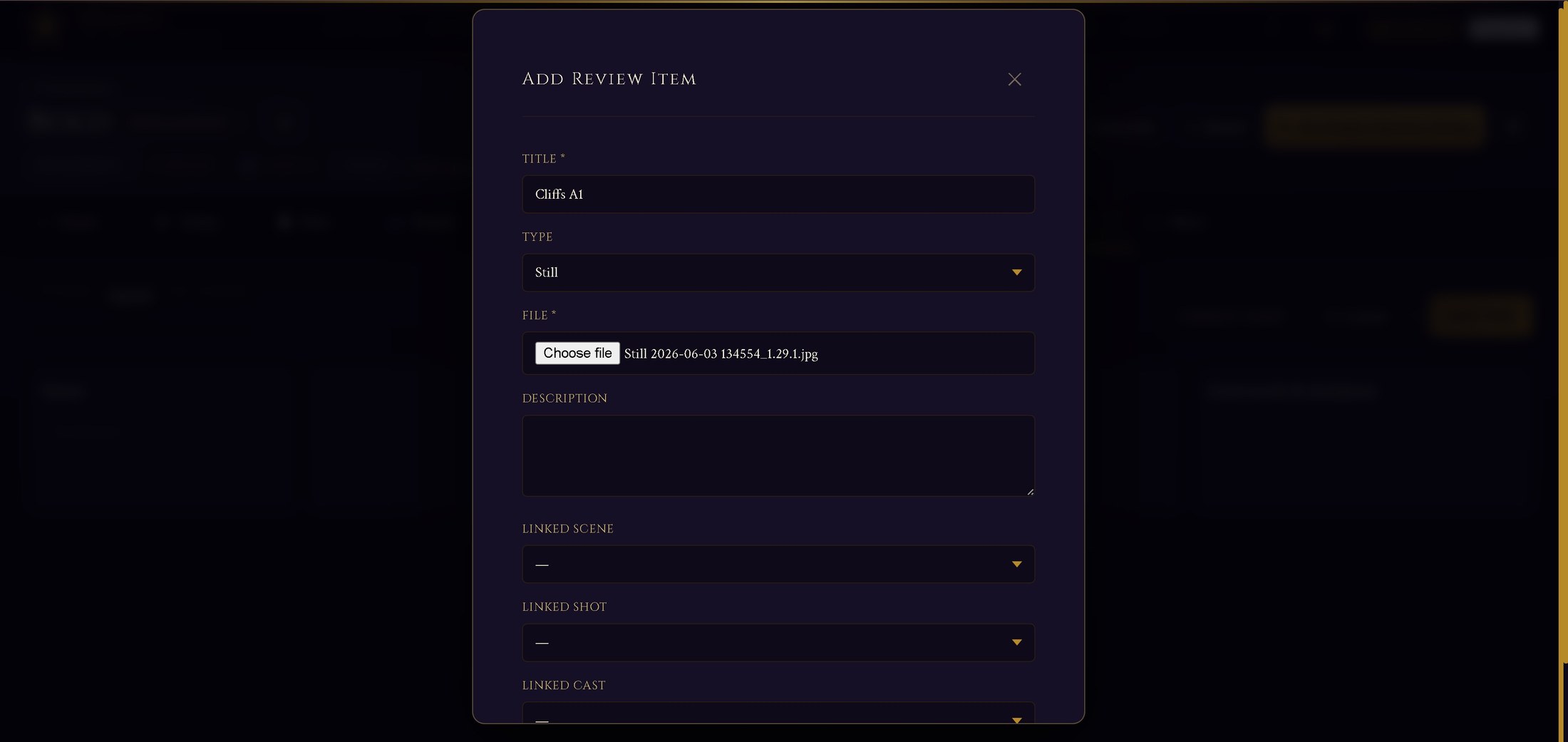
Route stills, artwork and design work through sign-off.
Paid plans · View details →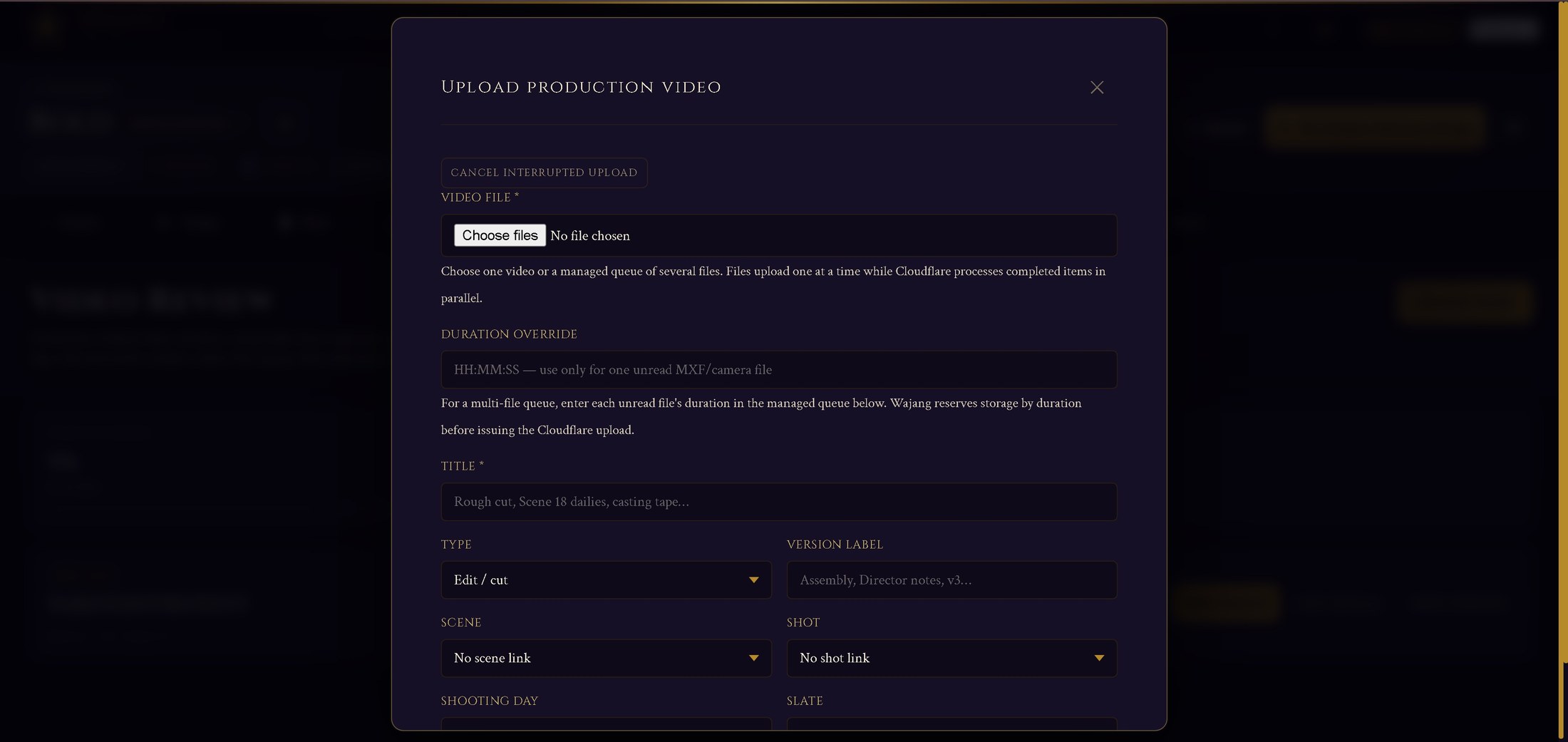
Production-linked video versions with resumable uploads and private playback.
Paid plans · View details →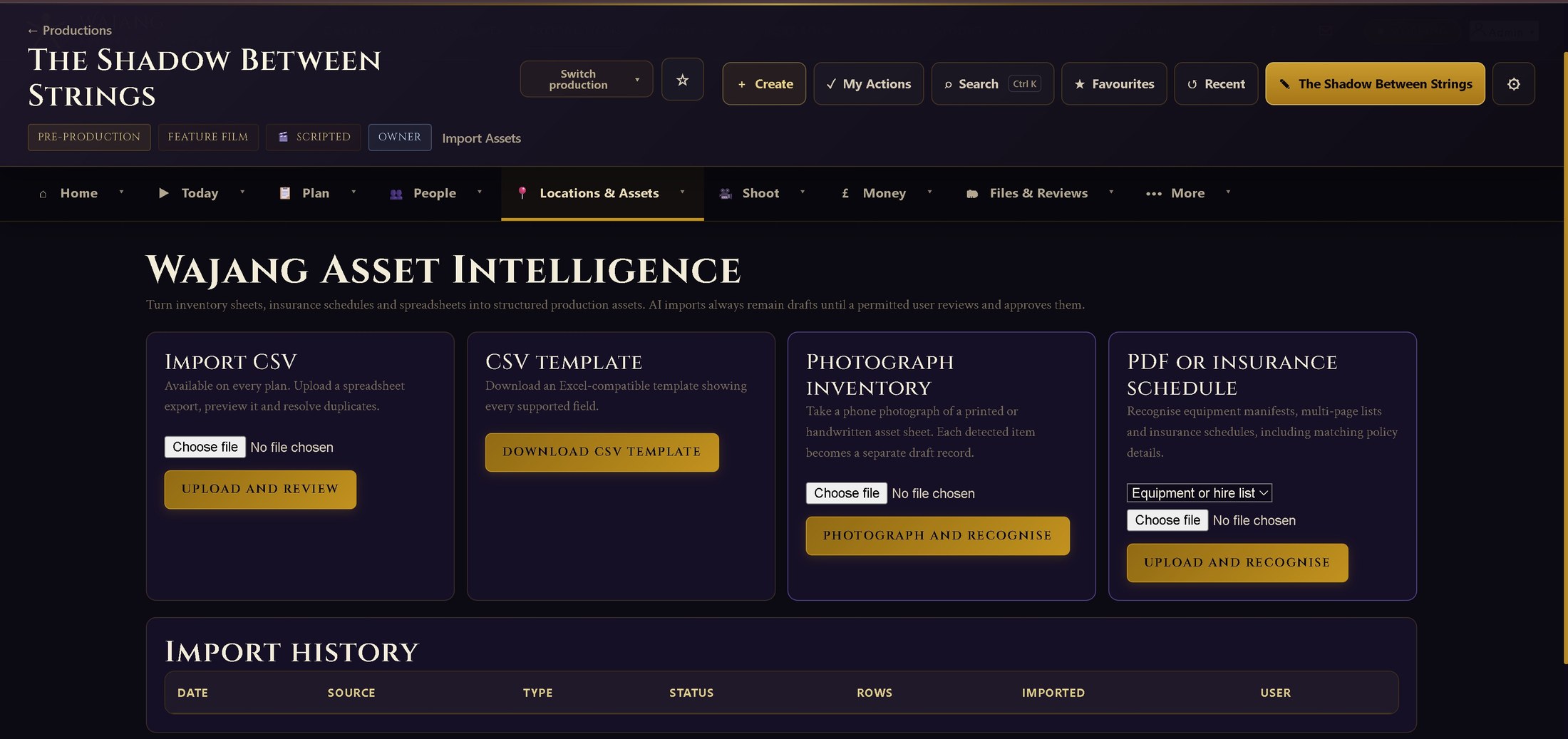
Review AI-assisted intake from photographs, PDFs and insurance schedules.
Paid plans · View details →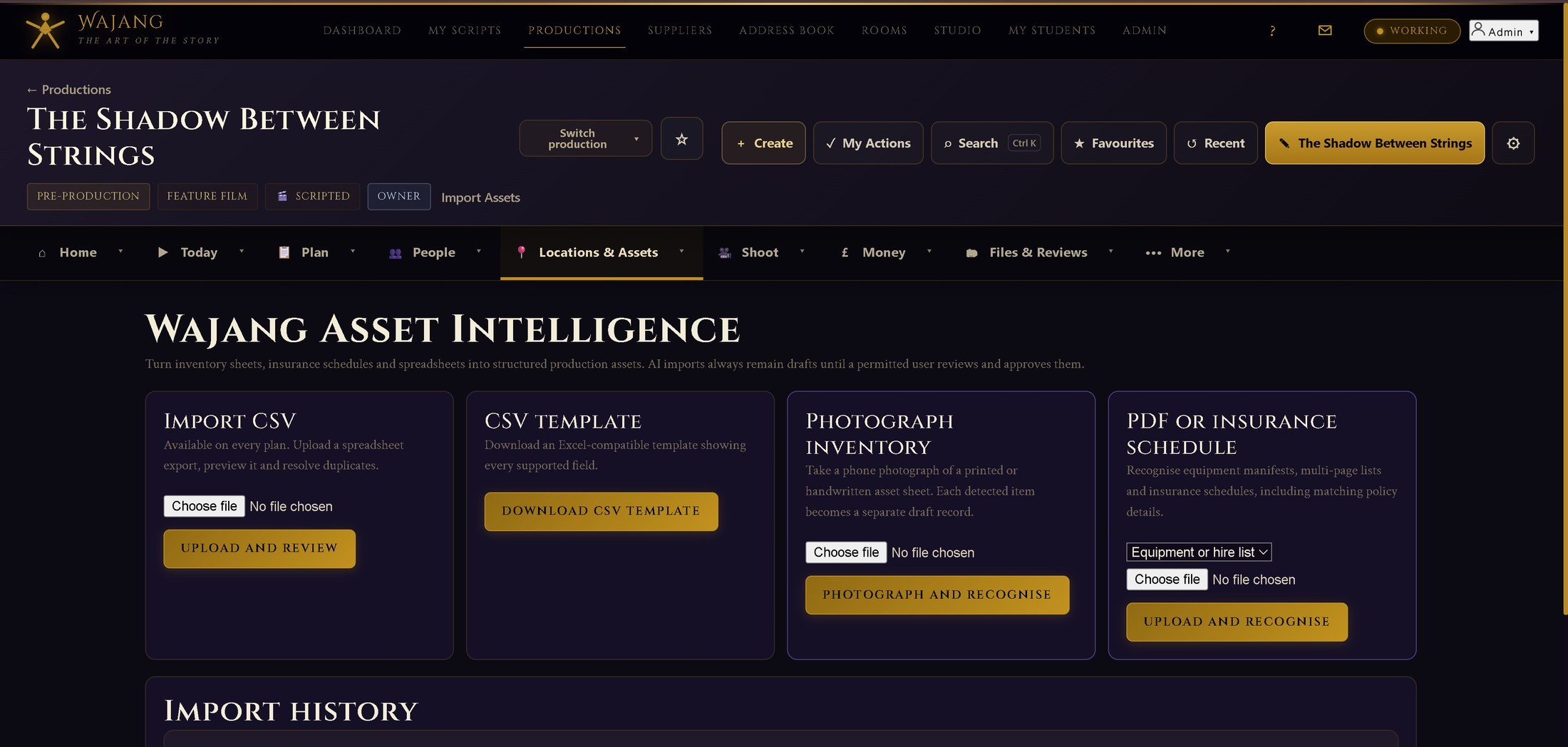
Automatically propose new asset records from recurring equipment.
Paid plans · View details →
Subscribe to a private, token-secured calendar feed of the shoot schedule.
Apprentice core · View details →
Grounded, human-reviewed analysis. It cannot change anything on its own.
Paid plans · View details →
Record production impacts and build greener production reports.
Apprentice core · View details →Scripts, scenes, people, locations and documents can feed the wider production.
AI-assisted tools prepare suggestions and drafts; users review before committing changes.
Production owners can control access for team members and restricted users.
Mobile layouts and offline-oriented workflows support work away from the production office.
Create an account or contact Wajang to discuss company and education use.